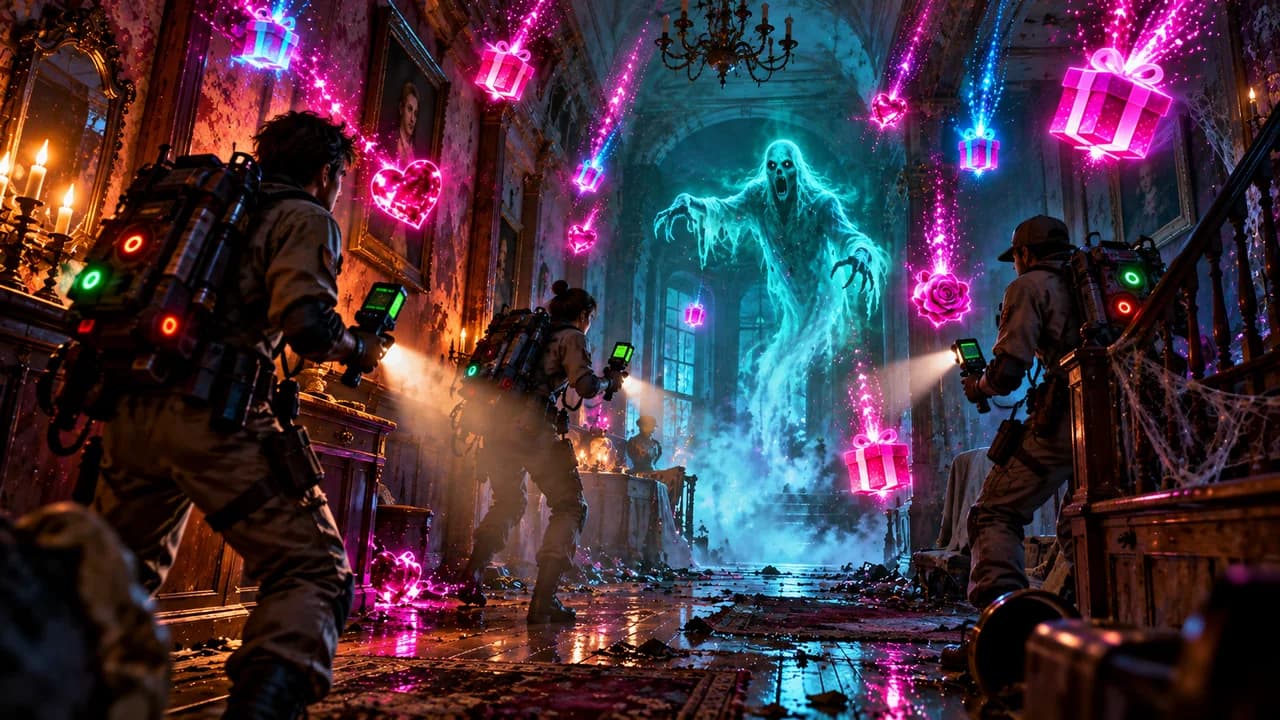


What your viewers can do
- Turn the lights off and on at will
- Storms and lightning strikes synced to gifts
- Scripted scares and manifestations
- Screen glitches and player hindrances
Setup
Download SyncLive, open the Games tab and choose The Mortuary Assistant. The app installs what's needed and guides you step by step.
Make The Mortuary Assistant interactive in 3 steps
- Install SyncLiveFree, on your computer. No credit card.
- Connect your streamTikTok LIVE or Kick: your username is all it takes, no password.
- Pick The Mortuary AssistantThe gift pack is already set up: tweak it and test it before you go live.
FAQ
How do I make The Mortuary Assistant interactive on TikTok LIVE?
Thirty-seven effects turn the mortuary into a show: storms, power cuts, scripted apparitions and glitching screens. Your viewers pick the exact moment the room tips over. The original game is required. Just install SyncLive, connect your stream and pick The Mortuary Assistant in the Games tab.
Is The Mortuary Assistant free with SyncLive?
Yes. The Mortuary Assistant is one of the compatible games on the free account, with no time limit. You just need the original game.
Does it work on Kick too?
Yes. SyncLive connects to TikTok LIVE and Kick: gifts and events from both platforms can trigger the effects in The Mortuary Assistant.
Can I test the effects before going live?
Yes. The app's simulator sends fake gifts so you can check every effect before you go live.
More games