

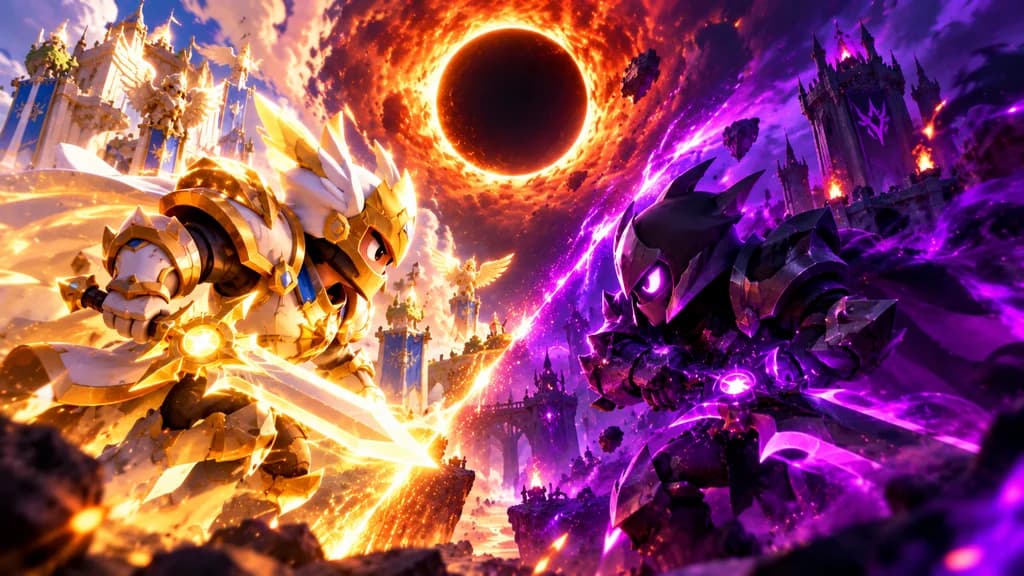
What your viewers can do
- Two sides, each with its own gifts
- Every viewer's ship and photo
- Final eclipse, black hole, Ancient Eye raid
- Nothing to install: it runs inside SyncLive
Setup
Download SyncLive, open the Games tab and choose Eclipse. The app installs what's needed and guides you step by step.
Make Eclipse interactive in 3 steps
- Install SyncLiveFree, on your computer. No credit card.
- Connect your streamTikTok LIVE or Kick: your username is all it takes, no password.
- Pick EclipseThe gift pack is already set up: tweak it and test it before you go live.
FAQ
How do I make Eclipse interactive on TikTok LIVE?
A SyncLive game with nothing to install: your chat splits into two sides, each with its own gifts. Every gift sends the viewer's ship, with their photo, against the other side, all the way to the final eclipse. Included with SyncLive Pro, with no prize at stake. Just install SyncLive, connect your stream and pick Eclipse in the Games tab.
Is Eclipse free with SyncLive?
Eclipse is included in SyncLive Pro (€25.99 / month). It isn't available on the free account.
Does it work on Kick too?
Yes. SyncLive connects to TikTok LIVE and Kick: gifts and events from both platforms can trigger the effects in Eclipse.
Can I test the effects before going live?
Yes. The app's simulator sends fake gifts so you can check every effect before you go live.
More games



Read next
- → Best games for an interactive TikTok LIVE
- → TikTok live interactive games software: the 2026 comparison
Bring Eclipse to your live
Included in SyncLive Pro. The app itself is free.
⬇ Download SyncLive for Windows