

What your viewers can do
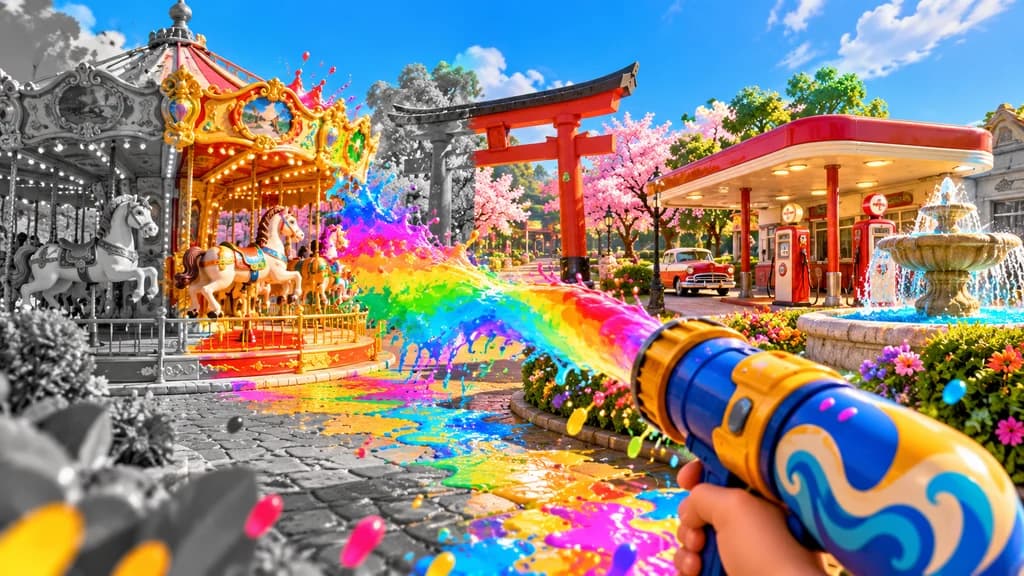
- First-person view, a world to recolor
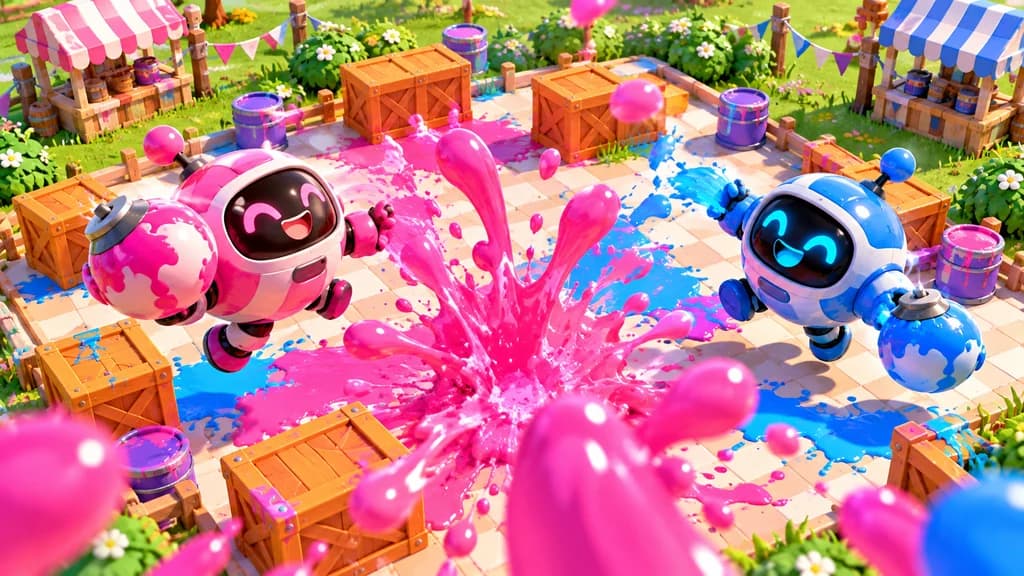
- Helpful Artists vs ink Scribblers
- Paint gun, airbrush, roller, balloons and rainbow cannon
- One-click install and launch from the app
Setup
Download SyncLive, open the Games tab and choose SyncPaint. The app installs what's needed and guides you step by step.
Make SyncPaint interactive in 3 steps
- Install SyncLiveFree, on your computer. No credit card.
- Connect your streamTikTok LIVE or Kick: your username is all it takes, no password.
- Pick SyncPaintThe gift pack is already set up: tweak it and test it before you go live.
FAQ
How do I make SyncPaint interactive on TikTok LIVE?
SyncPaint is our second in-house game: an all-gray world you repaint in first person during your live. Every gift brings the viewer into the game: Artists help you recolor the scenery, Scribblers drown it in ink. Weapons change mid-game, from the paint gun to the rainbow cannon, and once the world is recolored the sun rises for a win. It installs and launches in one click from the app, with its overlay ready on the sides of your live. Included with SyncLive Pro. Just install SyncLive, connect your stream and pick SyncPaint in the Games tab.
Is SyncPaint free with SyncLive?
SyncPaint is included in SyncLive Pro (€25.99 / month). It isn't available on the free account.
Does it work on Kick too?
Yes. SyncLive connects to TikTok LIVE and Kick: gifts and events from both platforms can trigger the effects in SyncPaint.
Can I test the effects before going live?
Yes. The app's simulator sends fake gifts so you can check every effect before you go live.
More games



Read next
- → Best games for an interactive TikTok LIVE
- → TikTok live interactive games software: the 2026 comparison
Bring SyncPaint to your live
Included in SyncLive Pro. The app itself is free.
⬇ Download SyncLive for Windows